Components
Input Button
입력 필드 형태의 버튼으로, 선택창이나 피커를 열 때 사용합니다. 선택이 완료되면 버튼 라벨에 선택된 값이 표시됩니다.
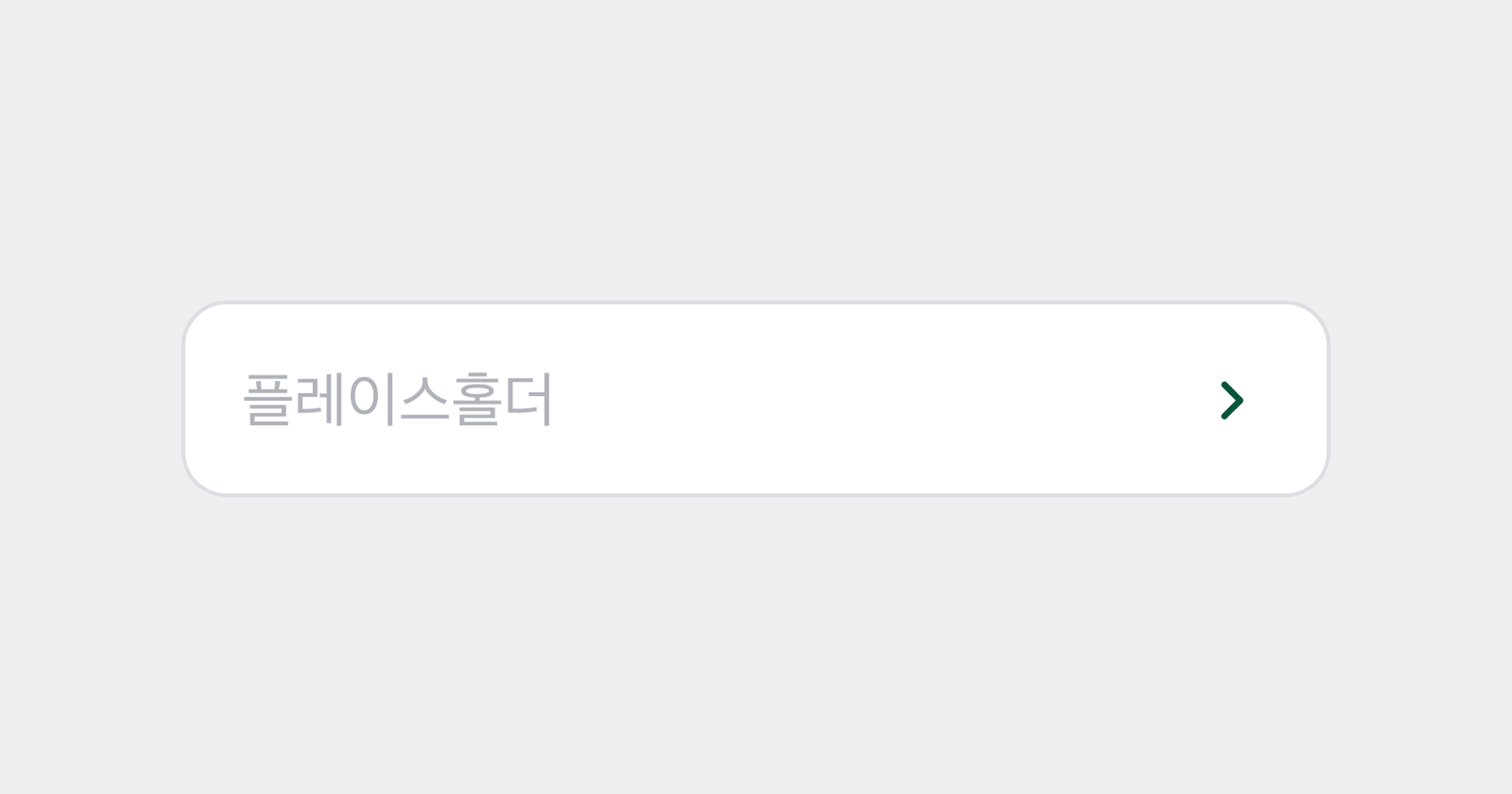
Field
Input Button을 Field 내부에서 사용하여 Field Button으로 활용할 수 있습니다.
Anatomy
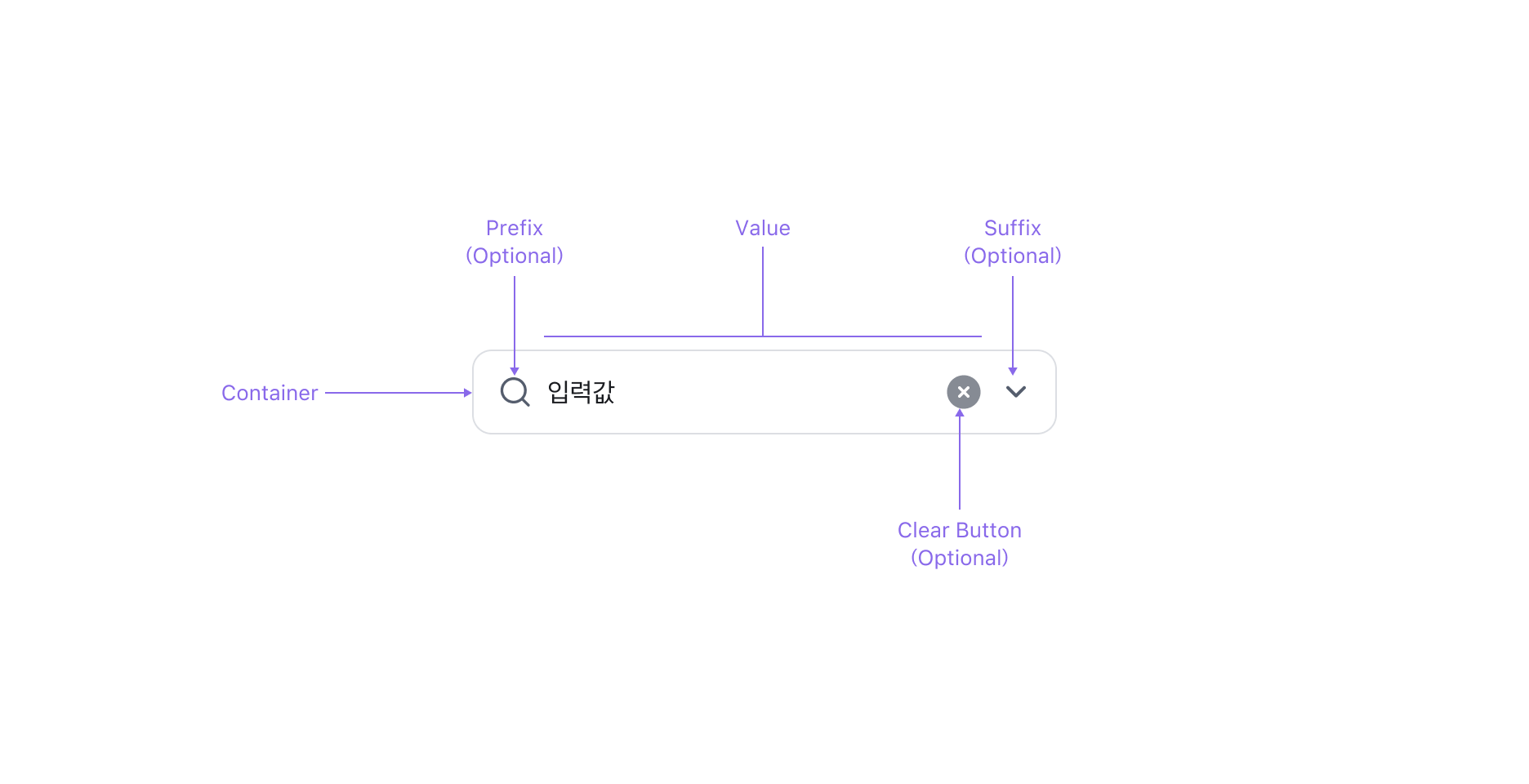
Input Button은 Value, 이를 감싸는 Container, Clear Button (Optional), 그리고 Prefix/Suffix Slot으로 구성됩니다.
Properties
State
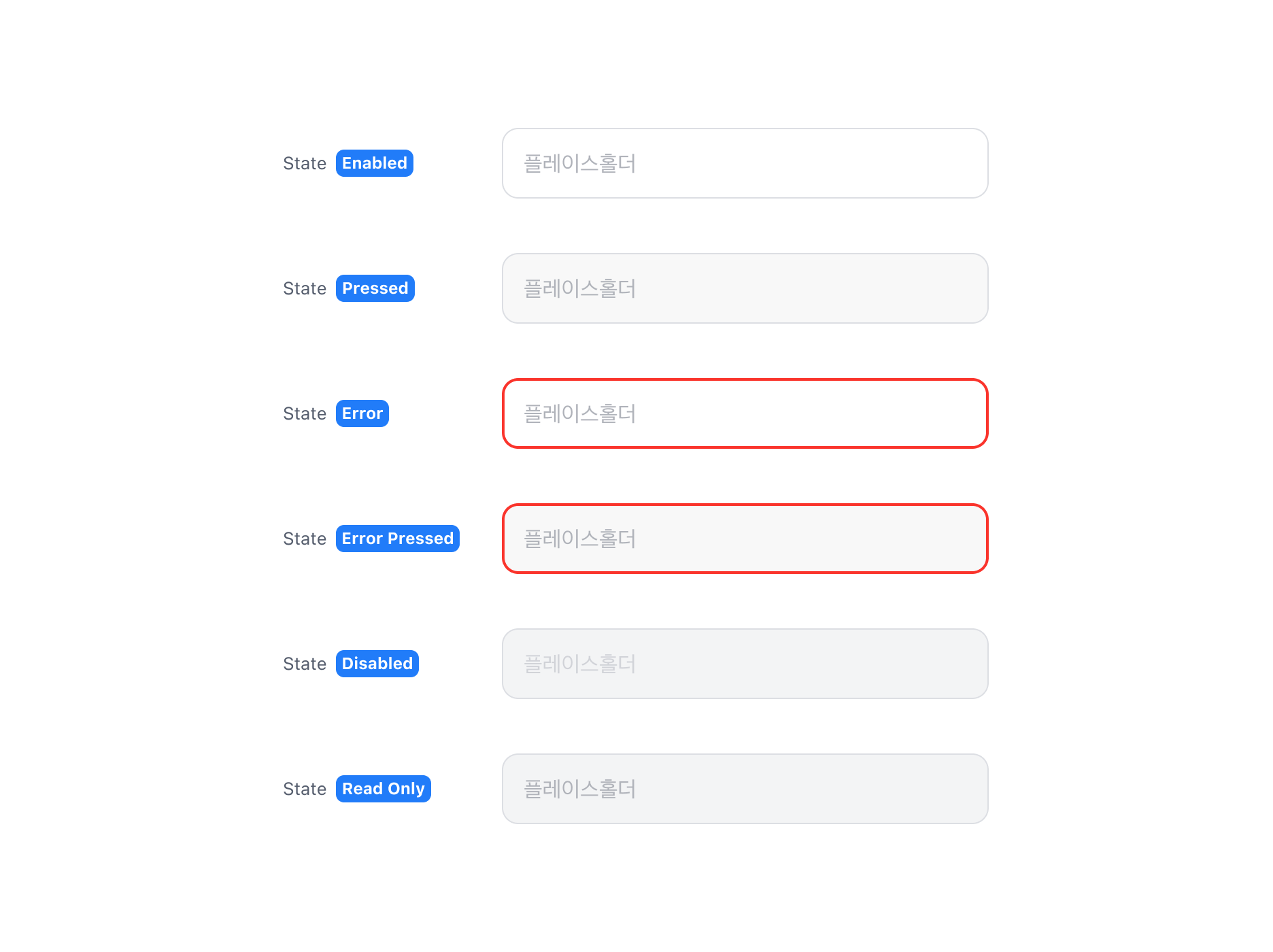
Input Button은 Enabled, Pressed, Error, Error Pressed, Disabled, Read Only 상태를 가집니다.
Value Property
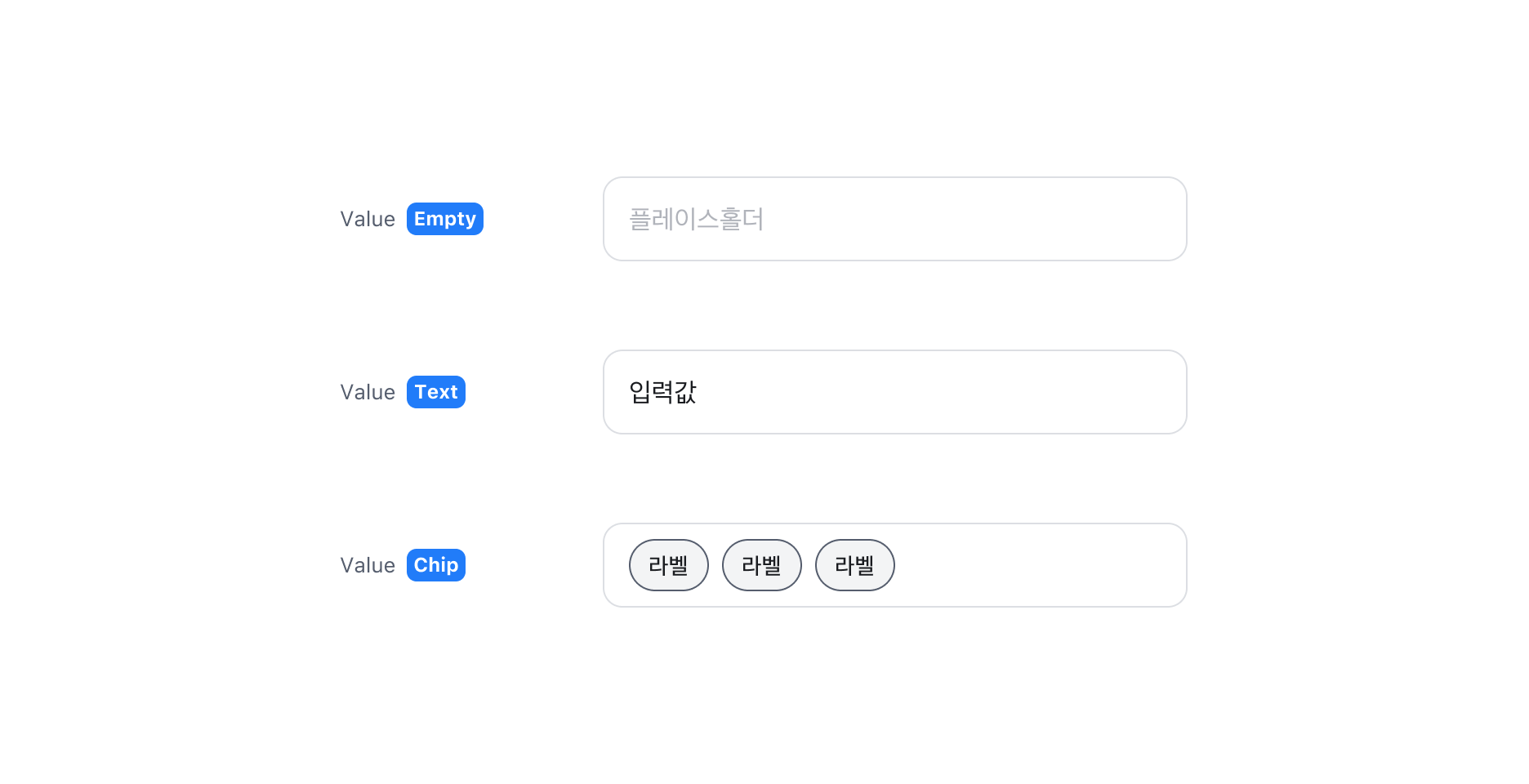
Input Button에 값이 있는 경우 Value Property를 사용할 수 있습니다. Value에는 일반 텍스트와 Chip 컴포넌트를 표시할 수 있습니다.
Clear Button Property
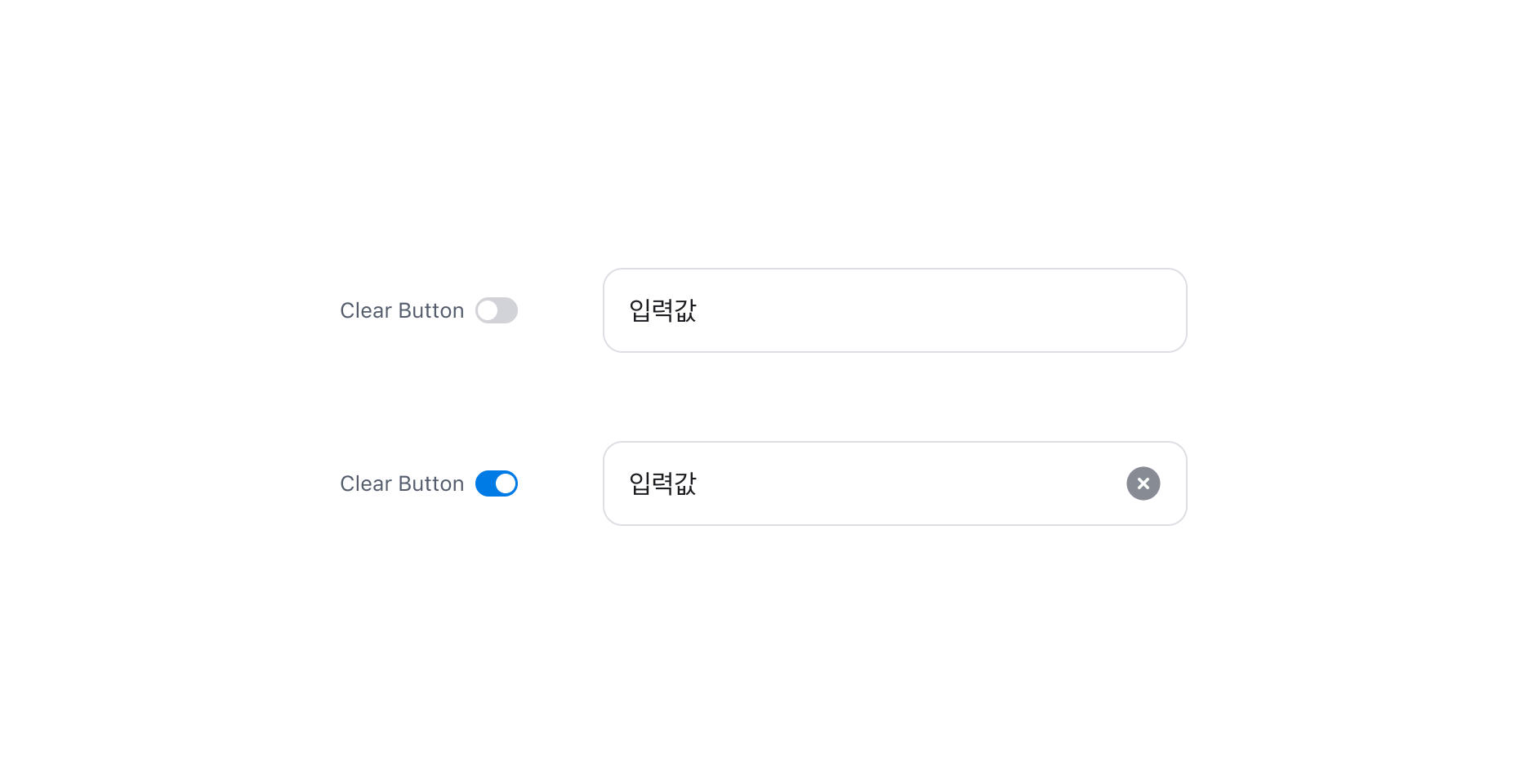
Input Button에 값이 존재하는 경우, 해당 값을 삭제할 수 있는 Clear Button을 표시할 수 있습니다.
Guidelines
Input Button의 활용
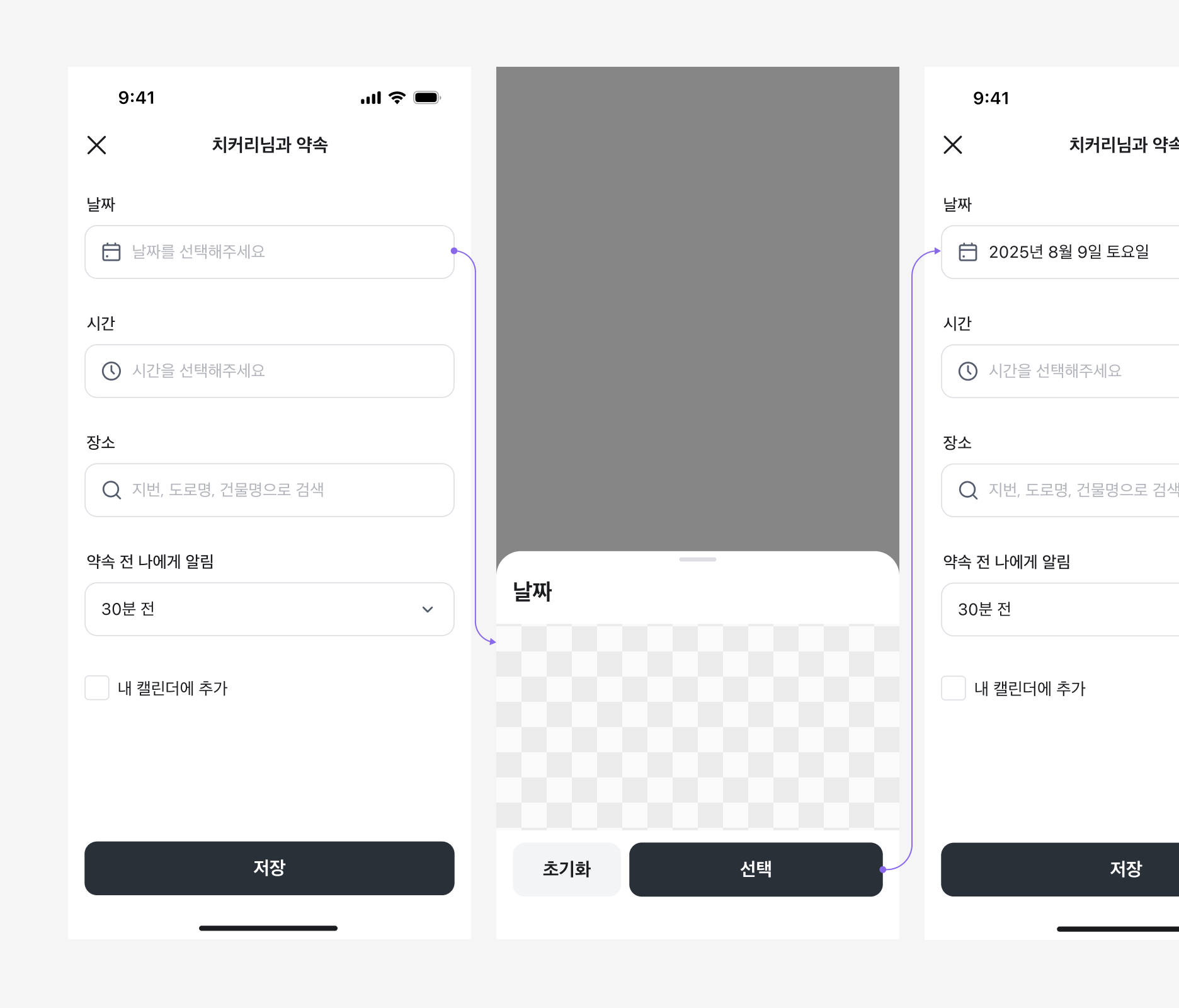
Input Button은 Input과 유사한 외형이지만 직접 값을 입력할 수 없는 버튼 컴포넌트입니다. 선택하면 Bottom Sheet나 Picker 등이 열려 값을 선택할 수 있으며, 선택이 완료되면 버튼 라벨에 해당 값이 표시됩니다.
Input Button은 단독으로 사용할 수 없으며, 항상 Bottom Sheet, Date/Time Picker 등 선택 가능한 아이템 목록을 제공하는 UI 요소와 함께 사용해야 합니다.
Specification
base
size=large
- 뷰포트 너비와 관계없이 사용할 수 있습니다.
size=medium
- Breakpoint `lg` 이상(데스크톱)에서만 사용하고, 모바일에서는 사용하지 않습니다. 정밀한 선택이 가능한 마우스 입력 환경에서 사이즈를 더 작게 만들고자 할 때 사용합니다.
Last updated on